
Cloud Telephony vs PBX: Which is Right for your Business?
Before you sign another PBX renewal, read this: it shows what your old phone box really costs, what it’s quietly running, and how to move to the cloud one team at a time without dropping a call.
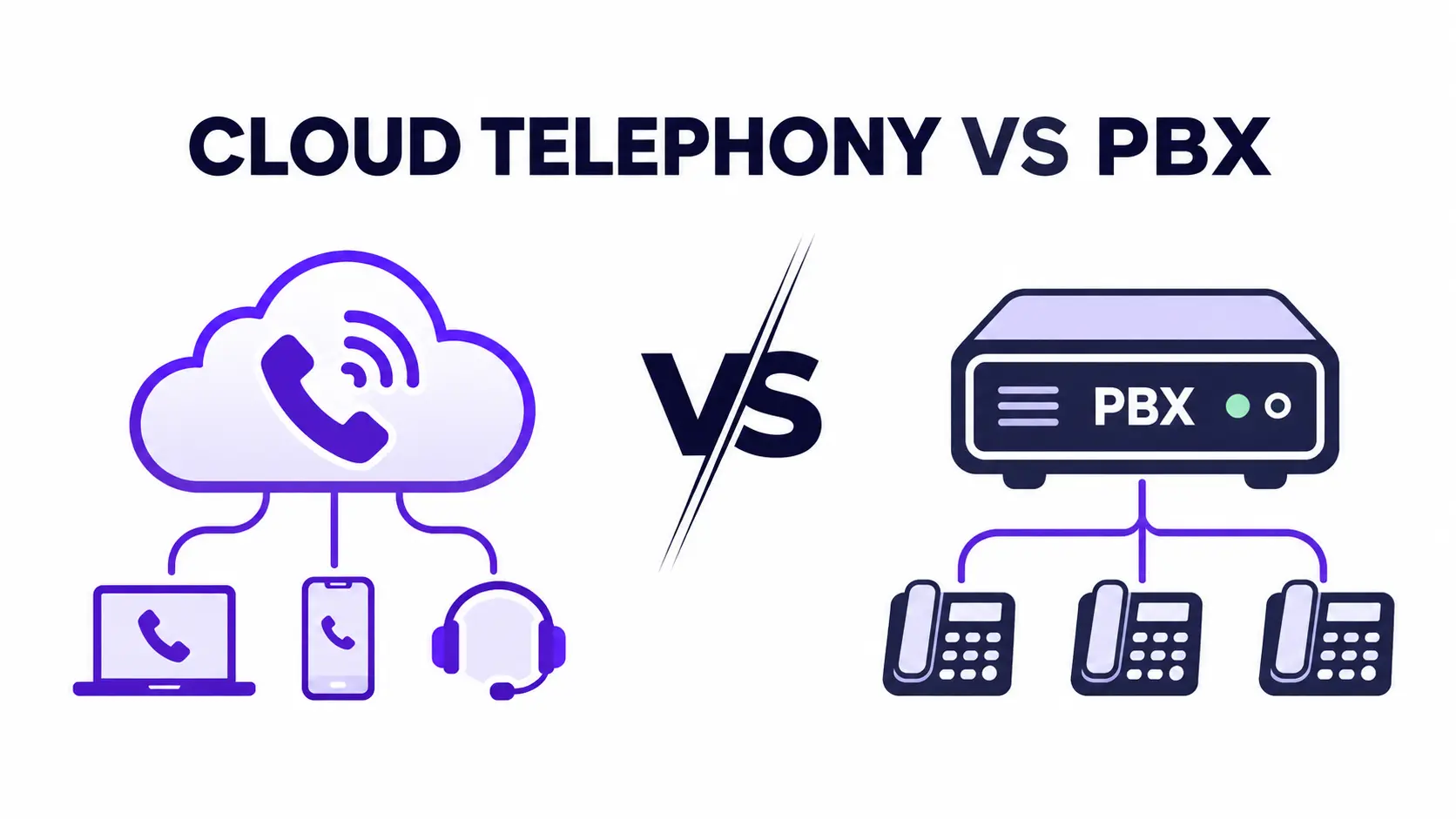
A PBX isn't dead, though, and we'd never tell a business to scrap one that's paid for and doing its job. The honest answer depends on how old your box is, how your team works and what's quietly plugged into it. This guide walks through the real differences, the costs people forget, and how to move without breaking anything.
Every figure in this guide links to its source, and we last checked them on 10 November 2026.
What is a traditional PBX?
A traditional PBX (private branch exchange) is a phone system you own and run on your own premises. It connects your desk phones to each other through internal extensions, and to the outside world through a set number of phone lines or trunks.
Think of it as the switchboard that lives in your comms cupboard. It handles transfers, hold, voicemail and the "press 1 for sales" menu, all on hardware you bought. Somebody has to look after it: your IT team, or a maintenance contractor who comes out when it breaks. Newer IP-PBX models carry calls over your office network rather than old copper, but they're still a box you own and maintain.
What is cloud telephony?
Cloud telephony is a business phone system that a provider hosts and runs for you, with calls carried over the internet. Your numbers, extensions, call routing and recordings live in the provider's platform. Your team logs in from a browser, a mobile app or an IP desk phone.
There's no switchboard on site to buy, patch or replace. You pay a subscription instead, and the provider handles the hardware, upgrades and connections to the phone network. Most cloud systems set up calls using SIP, the Session Initiation Protocol defined in the IETF's RFC 3261 standard. Modern IP-PBX trunks use it too.
What is the difference between cloud telephony vs PBX?
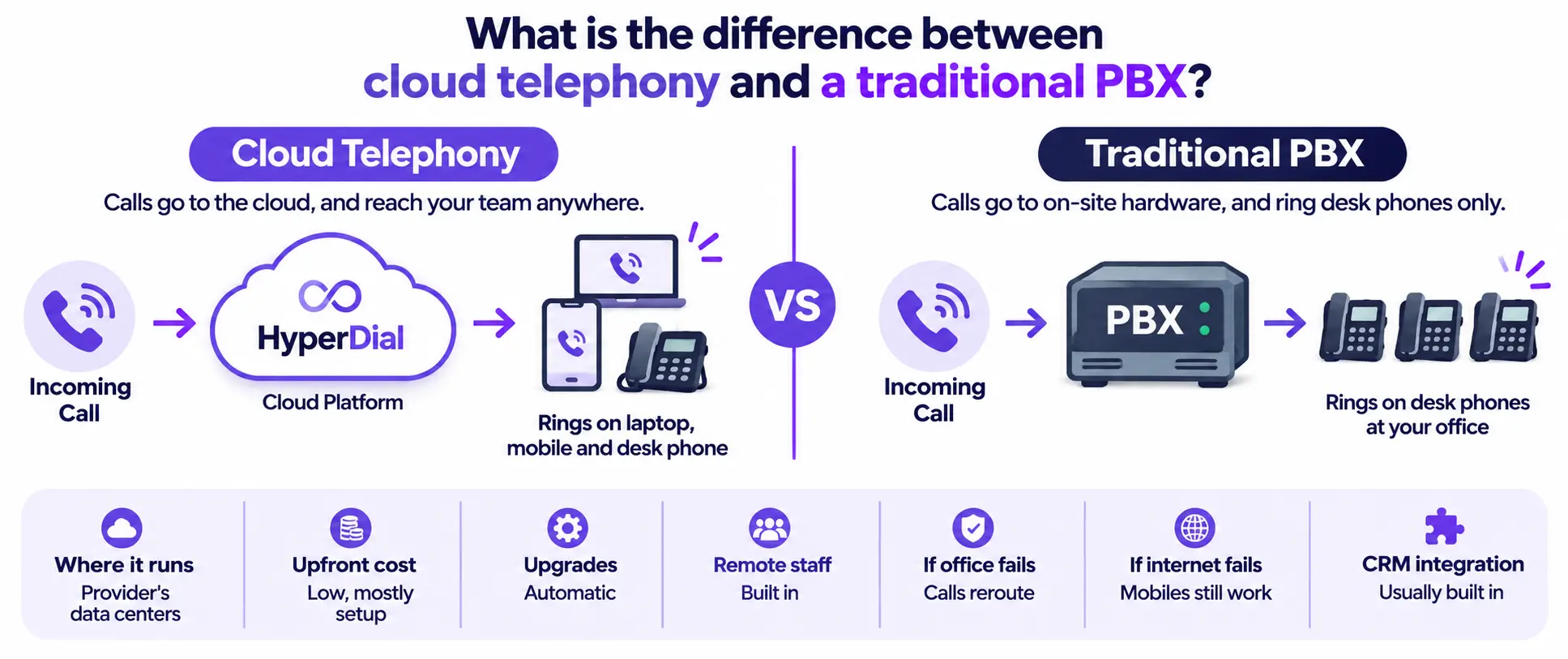
The main difference between cloud telephony and a traditional PBX is who owns and runs the system: a provider in the cloud, or you on site. Almost every other difference follows from that:
Table 1: Cloud telephony vs PBX
| Cloud telephony | Traditional PBX | |
|---|---|---|
| Where it runs | Provider's data centers | Hardware in your building |
| Upfront cost | Low, mostly setup | Hardware and installation |
| Ongoing cost | Subscription per user | Maintenance, lines, repairs |
| Adding a user | Minutes, in a web dashboard | New handset, port or license |
| Remote and mobile staff | Built in | Extra setup, often limited |
| Upgrades | Automatic, by the provider | Paid and often disruptive |
| If office hardware fails | Calls reroute to other devices | Calls stop until it's repaired |
| If the internet goes down | Office calls stop, mobiles still work | Internal and line calls keep working |
| CRM integration | Usually built in | Often limited or custom |
Neither system sounds different to the customer on the other end. The difference shows up for your team, your IT budget and how quickly you can change things.
What does each option really cost?
Cloud telephony usually costs less over time for growing teams, because you swap a large purchase and ongoing repairs for a predictable subscription. A paid-off PBX can look cheaper on paper, but only until the hidden costs show up on the invoice.
We'd rather not quote a percentage saving, because prices vary too much by country, provider and team size for one number to mean anything. Instead, here are the costs we see people forget on each side:
Forgotten PBX costs: the maintenance contract, engineer call-outs, line or trunk rental, licenses for new handsets, and the cost of replacing the box when support ends.
Forgotten cloud costs: per-feature add-ons, headsets for every user, and sometimes an internet upgrade if your connection is already stretched.
There's one PBX cost that never appears on an invoice: the person who knows how it works. We regularly hear from teams whose PBX was set up years ago by someone who has since left, and nobody remembers the admin password. HyperDial bills numbers and minutes at cost with no markup, as shown on its pricing page.
When does a traditional PBX still make sense?
A traditional PBX still makes sense when your system is recent, your team works from one site, and your calling needs rarely change. Ripping out working hardware early rarely saves money. Here's how we'd decide:
Keep your PBX if it's only a few years old, under support, and still does everything your team needs.
Keep your PBX if everyone works at one site, you rarely hire, and nobody needs to take calls away from a desk.
Keep your PBX if your internet is unreliable and you can't add a backup connection.
Move to cloud telephony if staff work from home, several offices or on the road.
Move to cloud telephony if your PBX support contract or hardware is due for renewal in the next year.
Move to cloud telephony if you want calls recorded, routed and logged in your CRM without manual work.
That renewal date is the real decision point. When a vendor quotes for new hardware or another multi-year support contract, that's the moment to price the cloud alternative properly.
Can you run a hybrid of PBX and cloud telephony?
Yes, and many businesses do for a while. A common setup keeps the PBX for desk phones at head office, while remote staff and sales teams move to cloud telephony first. The two can share numbers or route calls between them, depending on the systems. Hybrid works well as a stepping stone, but running two systems long term means paying for both and maintaining both.
What do you need to check before leaving a PBX?
Before leaving a PBX, you need a full inventory of what it does today, because it usually does more than anyone remembers. Most migration problems we see come from a feature nobody listed. Check these before you sign anything:
- Every number and extension, including the short internal extensions staff dial from memory.
- Hunt groups and ring groups, meaning which phones ring together and in what order.
- Phone menus and opening hours, including the holiday message nobody has changed in years.
- Voicemail boxes and where messages go, especially shared ones.
- Analog devices plugged into the PBX, such as fax, door entry, alarm panels, paging or lift phones.
- Call recording rules and how long recordings are kept.
The analog devices matter most. They don't look like phones, so they're easy to miss, and some need a different connection once the PBX is gone. Walk the building with whoever looks after facilities, and check each one with its supplier.
How do you move from a traditional PBX to cloud telephony?
You move from a traditional PBX to cloud telephony by mapping what your PBX does and rebuilding it in the cloud. Then you move your numbers and switch over one team at a time. Follow these three steps:
- Map everything your PBX does today. List every number, extension, ring group, menu, voicemail box and device plugged in. Note your busiest hour of calls so you can check your internet can carry them.
- Rebuild the setup in the cloud and port your numbers. Create users, ring groups, menus and business hours to match your inventory. Then ask the new provider to move your existing numbers across.
- Switch over one team at a time. Move one team first, run it for a week, and fix what comes up. Only decommission the PBX once every number rings in the new system.
The mistake we see most happens at step 3: switching everyone over in one weekend, then switching the PBX off on Monday. If something was missed, there's no fallback. Keep the PBX running until the last team has moved and the number transfers are complete. Our guide to what number porting is explains how the transfer works.
How does HyperDial replace a traditional PBX?
HyperDial is a cloud phone system that runs in the browser and the mobile app, so a team can retire a PBX without installing new hardware. Numbers, routing, recording and reports sit in one account.
Here's how the pieces map to what your PBX did:
- Calling: HyperDial's voice calling works in the browser with a headset, records calls by default, and needs around 100 kbps per concurrent call.
- Ring groups, menus and hours: call routing handles business hours, holiday calendars, overflow and callbacks, and never drops a call silently.
- Numbers: local phone numbers in 130+ countries, including US local numbers in any area code, plus toll-free numbers.
- CRM and helpdesk: HyperDial integrations with Salesforce, HubSpot, Zoho CRM, Zendesk and Freshdesk log calls automatically.
- Reliability: paid plans carry a 99.9% uptime target, with live status published at status.hyperdial.io.
We'll be straight about the limits. HyperDial doesn't supply desk phones or an on-site system, and it doesn't connect to analog devices like fax or alarm panels. If your PBX runs any of those, plan their move with each supplier before switching off.
What should you do next?
Find out when your PBX support contract or hardware is due for renewal. Then walk the building and list every number, extension and device your PBX handles. With that in hand, price a cloud system against the renewal quote and trial it with one team. When you're ready, compare plans on the pricing page or try HyperDial free.
Sources


